Cover
B2 · Unit 6 · Professional Communication · Lesson 3
Video Calls and Remote Meetings
Lesson goals
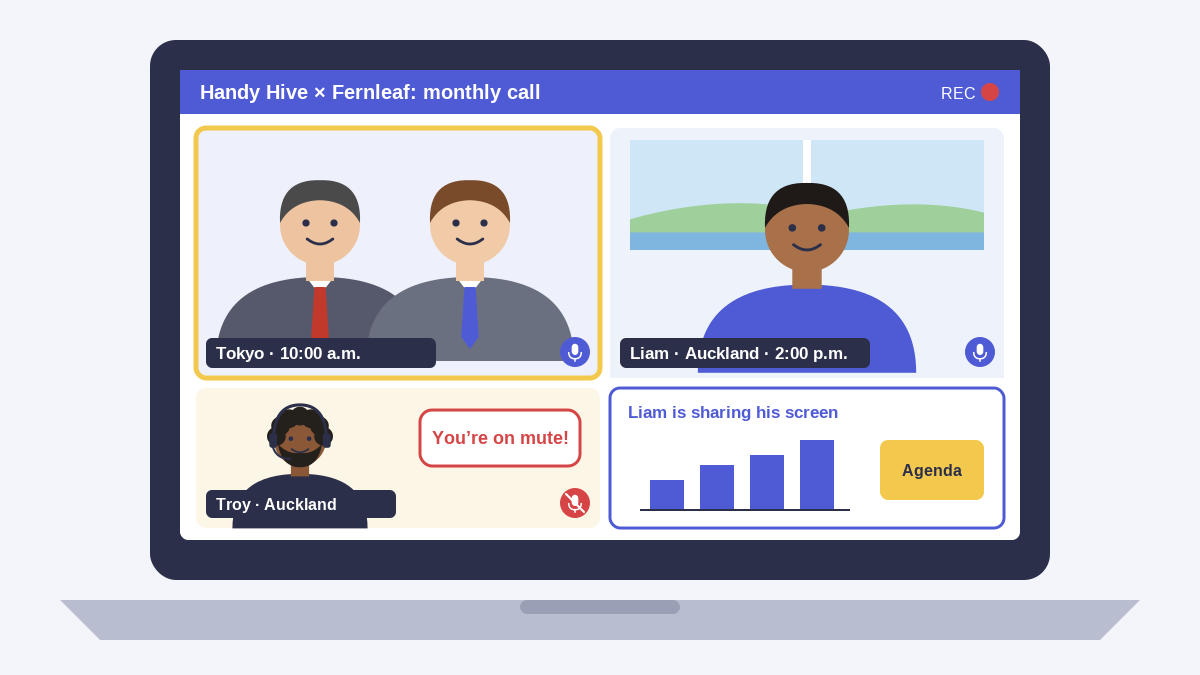
- Deal with problems on a video call: You're on mute. Sorry, you broke up there. I think you've frozen. Can everyone see my screen?
- Ask for clarification politely: Could you repeat that? Just to clarify, did you say fourteen or forty? Could you tell me what you mean by …?
- Take turns in an online meeting: Let's hear from …; Go ahead.; Sorry, after you.; Can I just come in here?
- Host a short call: open it, go through the agenda, sum up and send the minutes
- Talk about time zones and daylight saving time: Auckland is four hours ahead of Tokyo from late September to early April, and three hours ahead for the rest of the year
- Words: on mute, unmute, break up, freeze, share your screen, host, minutes, time zone, time difference, daylight saving time
New words (11)
on muteunmutebreak upfreeze (froze, frozen)share your screenhostminutestime zonetime differencedaylight saving timesubtitles